 Cáo Studio
Home › Blog › Vacation & Solo Photoshoot
Social feed vs wall photos: how we edit differently
By the Cáo Studio team · Hanoi & Saigon · 2026-10-31
Social media and print require opposite editing choices. Feed photos need high contrast, saturated color and bright highlights to stop the scroll on small screens; wall prints need softer shadows, warmer tones and crushed blacks to suit room light and hang long-term without fatigue. At Cáo Studio in Hanoi and Saigon, we shoot in RAW and create two edit passes—digital-first for Instagram, gallery-first for canvas or framed prints. The difference matters most in skin tone (social looks cooler and tighter; print looks warmer and forgiving), shadow detail (social crushes it; print preserves it) and sharpness (social overdrives it; print uses gentle clarity). Most clients don't realize they need both until they print a phone-optimized shot and it looks harsh in daylight. We discuss this during your shoot brief and deliver each format separately. Your vacation or couple photoshoot package includes digital files; wall-ready versions are discussed at booking. Chat with us on WhatsApp
A photo that looks incredible on your Instagram story might fall flat printed 24×36 inches above your bedroom dresser. The same image edited for your phone's backlit screen—punchy, saturated, contrasty—can feel garish under ceiling light or window glow. This isn't a failure of the photo itself. It's a failure of the edit. Cáo Studio approaches every vacation photoshoot with a dual-delivery mindset: one edit for social feeds, another for walls. We've watched clients hang prints only to take them down weeks later, not because they dislike the image, but because the editing choices we made for TikTok and Instagram don't survive the softness of home light.
Why does the same photo look so different on screen versus paper?
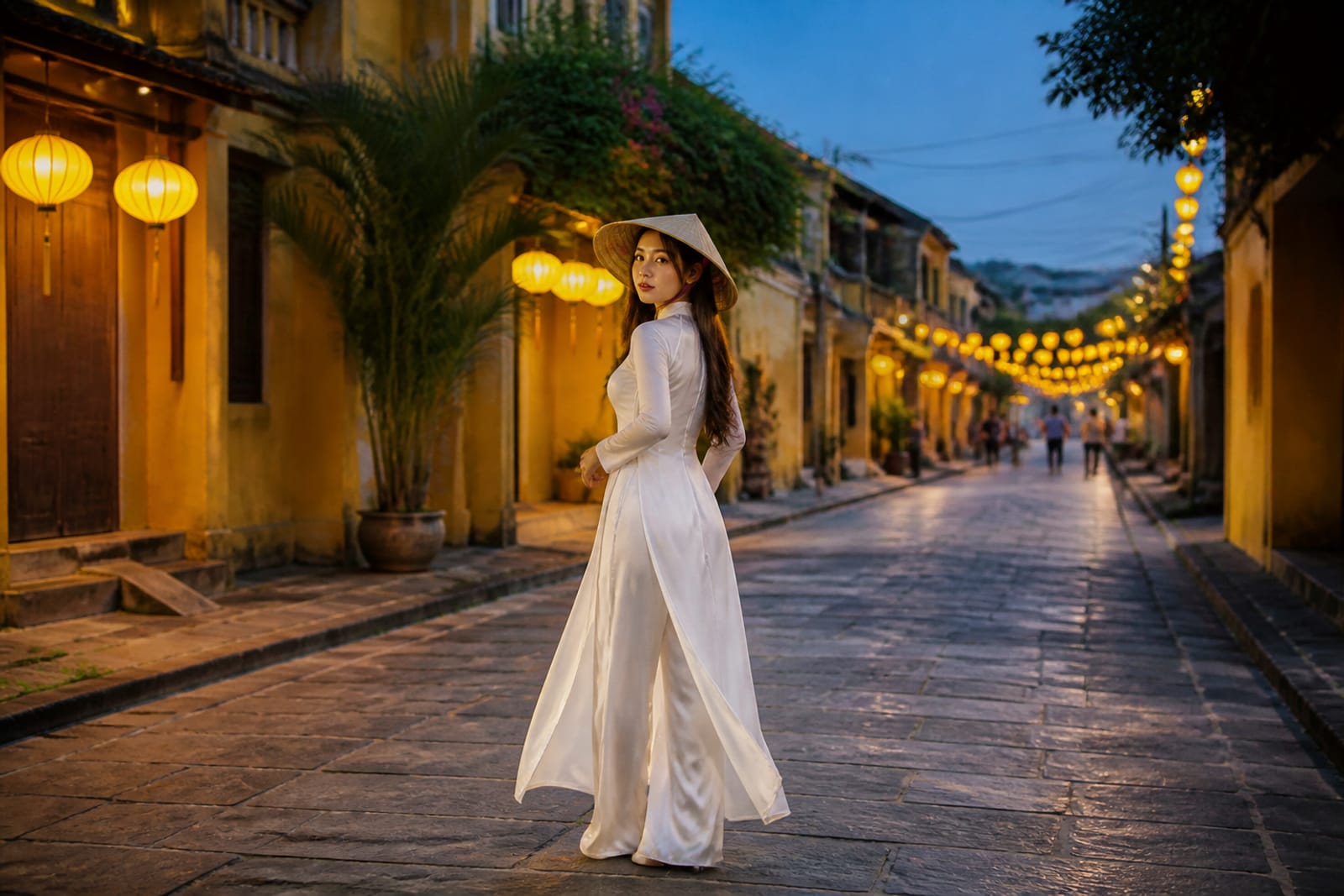
Your phone and your wall exist in completely different light environments. A smartphone screen is backlit—it generates its own light—so contrast, saturation and brightness are amplified the moment you compose the shot. Paper is reflective; it depends on ambient light from windows, lamps or overhead fixtures. A social edit with crushed blacks, punchy midtones and lifted shadows can look muddy or overly dark in a print, where that same darkness reads as loss of detail rather than drama. Skin tones are the giveaway. A slightly cool, tight complexion edit looks fresh and sculpted on a feed where faces are 2 inches tall; the same edit on a 16×20 framed portrait makes people look fatigued or filtered. Print forgives slightly warmer, softer approaches that feed algorithms penalize.
What editing choices do you make first for social?
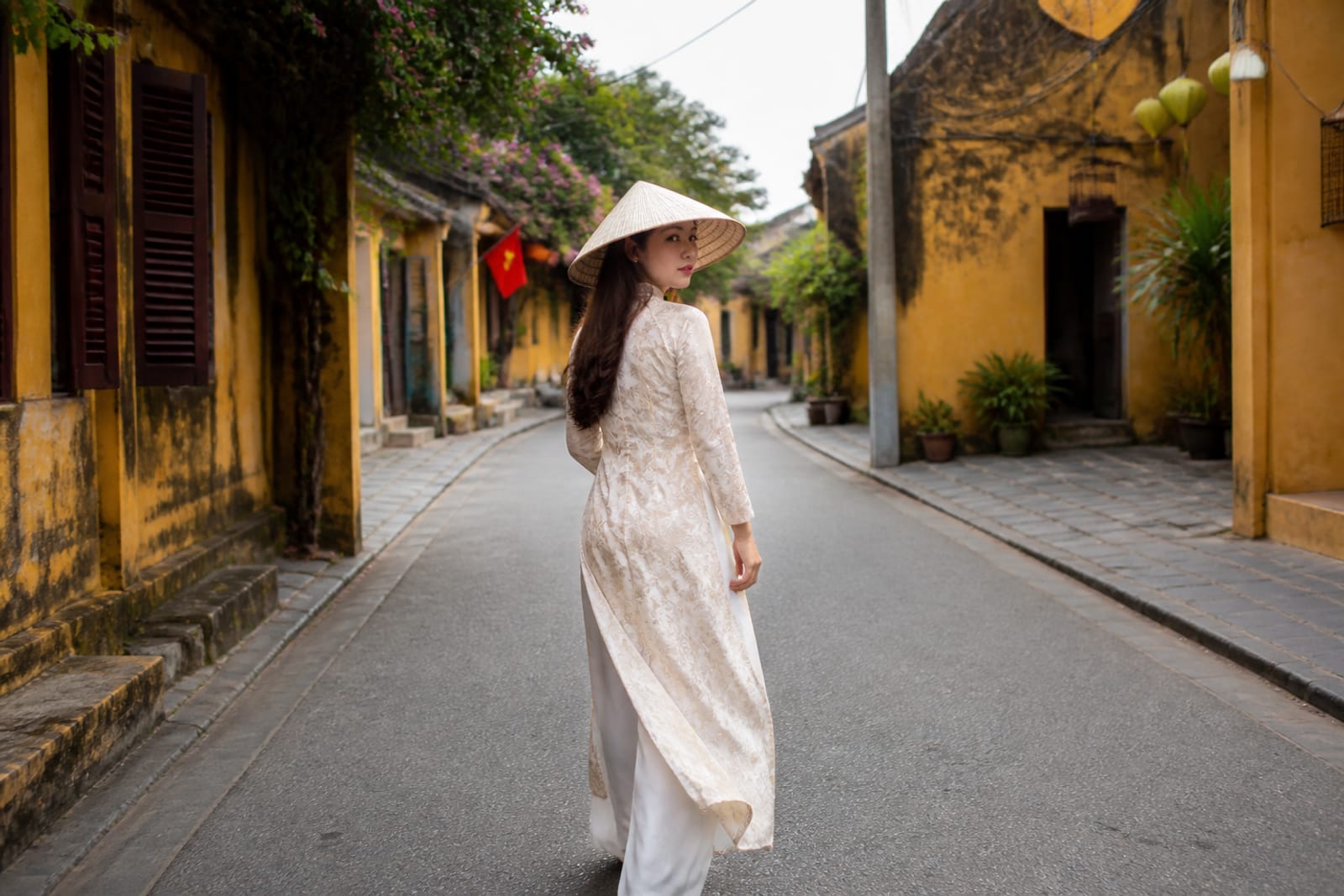
Social media rewards immediate visual impact. We boost vibrance by 8–15 points, lift shadows to preserve screen-scroll readability and add micro-contrast (local clarity at +10 to +20) so textures pop at thumbnail size. Skin gets a cooler white balance (shift toward blue by 200–300K) to read as cleaner; we increase structure to tighten pores and jawlines. Blacks are crushed 2–5 points darker than neutral so dark areas don't bloom into gray on iPhone screens. Sharpness is set high—masking at 40–60 so hair, eyes and fabric edges punch. Saturation rises by 5–10 points; reds and oranges especially climb to stop the scroll. We've learned this from editing hundreds of couple and family shoots for Instagram over five years. The goal is 0.8 seconds of attention before the swipe.
See packages and prices on vietnamphotoshoot.com
What editing moves protect a photo meant for print?
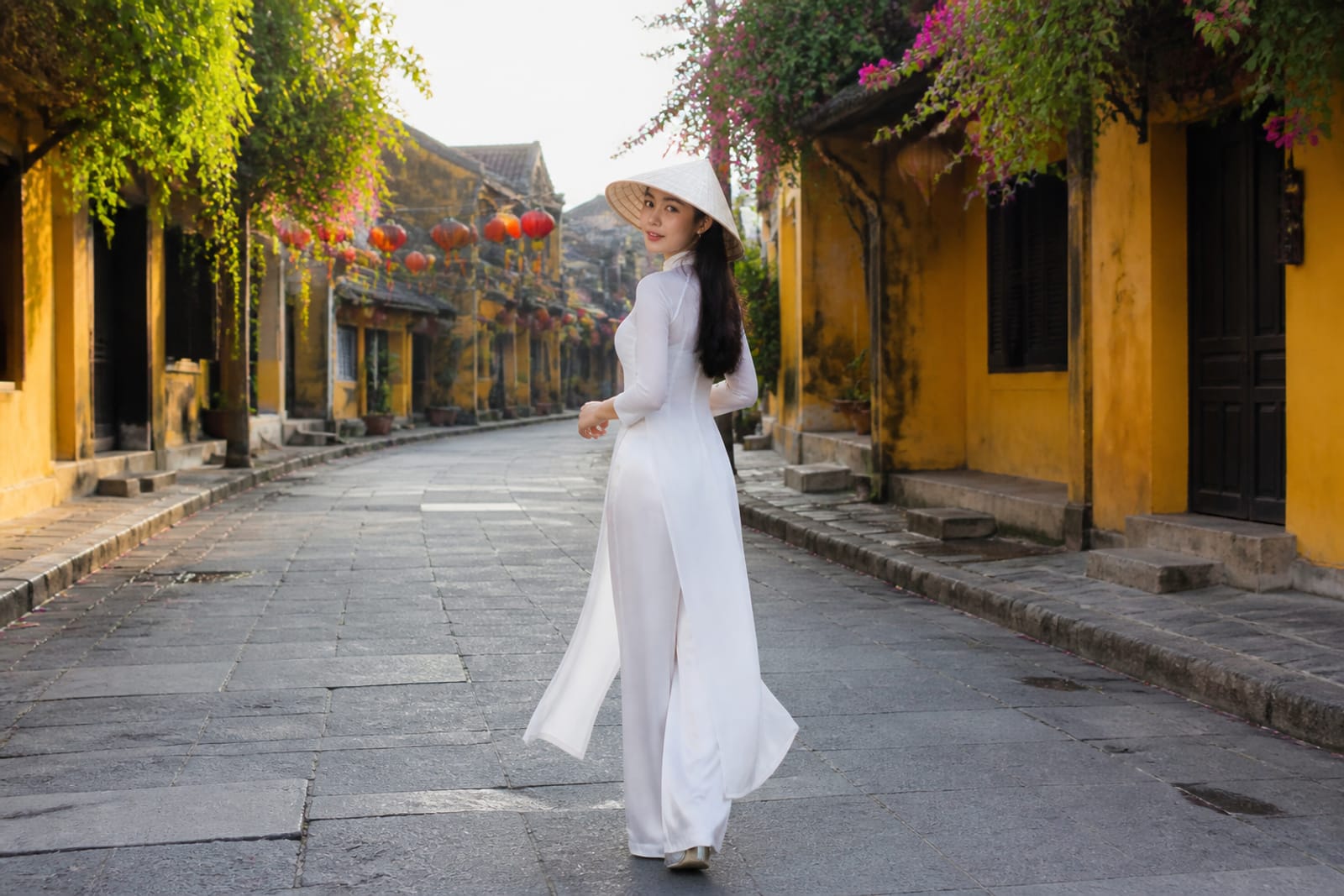
Print edits are the opposite philosophy. We lower vibrance and rely on saturation for selective color emphasis—so a dress or backdrop color sings without the whole image screaming. Black levels stay close to true (crushing only 0–1 point) so shadow detail remains printable; we lift shadows far less, allowing depth to exist on paper. Skin tones warm slightly—shift toward yellow or orange by 100–200K—because print light is typically tungsten or daylight-balanced, and cooler skin looks sickly under those conditions. Clarity is gentle (+5 to +10) to avoid the plastic, over-sharpened look that print magnifies. We often add 2–4 points of subtle vignetting to frame the subject without the harsh edge that social demands. Blacks are slightly crushed to avoid pure paper white, but mids and highlights stay open so the image has room to breathe in a room.
The table below shows how a single RAW file splits into two deliverables:
| Editing parameter | Social feed | Print / wall | Reason |
|---|---|---|---|
| White balance | Cool (+200–300K shift toward blue) | Warm (+100–200K shift toward yellow) | Screens are backlit; prints sit under room light |
| Shadows | Lifted high (+1.0 to +1.5 exposure) | Lifted gently (+0.3 to +0.5 exposure) | Phones need brightness; prints need depth |
| Blacks | Crushed 2–5 points darker | Crushed 0–1 point | Social needs contrast; print needs detail |
| Vibrance / Saturation | +8–15 vibrance, +5–10 saturation | +3–5 vibrance, +2–5 selective saturation | Feed stops scrolls; print avoids eye fatigue |
| Clarity / Sharpness | +40–60 masking, high sharpness | +5–10 clarity, gentle sharpness | Thumbnail readability vs. room-distance proportion |
| Vignetting | Minimal or none | +2–4 subtle vignetting | Social works edge-to-edge; print benefits from frame |
| Overall feel | Punchy, cool, tight, filtered | Warm, soft, forgiving, natural |
How does screen size change your editing strategy?
A photo edited for 1080×1350 (Instagram Portrait) looks and must look different from a photo edited for 24×36 print. On portrait orientation, the face occupies more real estate; colors and skin texture matter disproportionately. On large format, composition and light matter more than saturation because the viewer stands 2–3 feet away, not 8 inches. We've printed dozens of couple and engagement shots from shoots in Hoi An and Ninh Bình, and learned that high-vibrance edits create a "postcard" feeling at wall scale—beautiful for a week, fatiguing by month three. TikTok and Reels add another layer: vertical, 9:16 aspect ratio, autoplay with sound off, 3-second attention window. These formats scream for maximum contrast and saturation. But a Reels edit exported as a 20×30 canvas becomes a visual assault under fluorescent light. We deliver social and print versions separately so you choose without compromise.
Do you always deliver both edits, or do clients choose?
At Cáo Studio, we discuss output intent during your booking call. If you're booking a couple photoshoot or vacation shoot, we ask: "Will you print any of these?" If yes, we shoot and deliver both. If you want social only, we optimize once and move on. Most clients answer "I don't know yet," which is why we recommend the dual-edit approach as standard—it costs us extra time but protects the final keepsake. We've seen too many clients return with a printed photo that looks off, and there's no fix in hindsight. The RAW file is captured once; the edit is the second chance. Some couples get prints made at their proposal or anniversary session months after the digital files are shared; we keep the RAW files for one year so we can deliver the correct print version when they're ready. If you order prints through our recommended lab, we handle the hand-off and oversee color.
Practically, here's the workflow: you receive digital files (social-optimized) within 7 days of your shoot at Cáo Studio Hanoi or Saigon. If you decide to print later, send us the shot list and specify size and format. We pull the RAW, create a new print-optimized edit and send a low-res proof to your email. You approve, and we either deliver a high-res print file or hand it directly to our lab partner for an exhibition-quality print (canvas, metallic, luster or matte). No extra session needed; the work is in the edit.
See packages and prices on vietnamphotoshoot.com
What goes wrong when clients try to use social edits as prints?
The most common mistake is exporting a vibrant Instagram edit and printing it at home or a local shop without a professional review. The results are over-saturated skin, blown-out highlights and a plastic, unnatural appearance that no frame recovers. We've had clients from couple shoots hang prints only to replace them weeks later because the warmth and softness they remember from the moment didn't survive the edit. Another issue: aspect ratio mismatch. A 1080×1350 social photo gets cropped or stretched to 24×36, losing composition or distorting subjects. This isn't reversible. We always ask: what's the final output? A 16×20 framed canvas needs a 4:5 crop; a 20×30 horizontal needs 2:3. These aren't the same composition as your feed version. Cáo Studio locks in size and aspect before we even take the first shot, especially for pre-wedding and elopement sessions where prints matter. If you're unsure, shoot at 4:5 or square; those ratios work for all formats.
---
What to check before you commit to a print
Ask yourself these questions before ordering a large format:
- Have I seen this edit on print before? If not, request a small 8×10 test print first.
- Do I know my wall light? Morning sun, overhead tungsten and evening daylight all shift color. A warm edit under cool light looks muddy.
- What size am I actually printing? Anything over 20 inches should be edited by a professional; at-home editing compounds distance distortion.
- Do I want the social version or the print version? They are not the same. Choose one and commit.
- How long do I want to live with this image? Highly saturated prints can feel dated in 6–12 months. Softer edits age better.
---
FAQ
Can you edit one photo to work on both social and print?
Technically yes, but you compromise on both. A middle-ground edit looks undersaturated on feed and slightly warm-flat on print. We recommend two edits from the same RAW so each format gets its full potential without sacrifice.
Do you charge extra to deliver both social and print versions?
This depends on your package. Most vacation and couple photoshoots at Cáo Studio include digital delivery. Separate print-optimized edits and lab coordination are discussed at booking; pricing varies by package and print scope.
How do I know if my phone edit will look good on a wall?
Increase your phone's brightness to maximum and view the photo from 3 feet away. If it still looks natural and has shadow detail (not just blacks), it might print okay. If highlights blow out or skin looks plastic, it won't. When in doubt, email us the file before printing.
Can I print a photo edited for TikTok or Reels?
Not without a re-edit. TikTok edits are hyper-saturated and crushed for 9:16 vertical at phone scale. Printing them produces garish, unnatural results. We can re-edit the original RAW, but it's easier if you plan print intent from day one.
What file format should I ask for if I'm printing myself?
Request a high-res JPEG (300 DPI, sRGB color space) or TIFF for professional lab upload. Never print from screen-resolution JPEGs or PNGs. If you're ordering canvas or metallic, our lab partners handle profile conversion; just deliver the file and let them soft-proof it first.
How long do you keep RAW files after my shoot?
Cáo Studio archives RAW files for one year from the shoot date. If you want a re-edit or print-optimized version within that window, contact us with the file list. After one year, RAW retention depends on available storage and backup policy; email us to discuss long-term archiving if needed.
Vacation & Solo Photoshoot
Inclusions, prices and booking are on our booking site.
FAQ
Can you edit one photo to work on both social and print?
Technically yes, but you compromise on both. A middle-ground edit looks undersaturated on feed and slightly warm-flat on print. We recommend two edits from the same RAW so each format gets its full potential without sacrifice.
Do you charge extra to deliver both social and print versions?
This depends on your package. Most [vacation and couple photoshoots](/go/vacation-photoshoot) at Cáo Studio include digital delivery. Separate print-optimized edits and lab coordination are discussed at booking; pricing varies by package and print scope.
How do I know if my phone edit will look good on a wall?
Increase your phone's brightness to maximum and view the photo from 3 feet away. If it still looks natural and has shadow detail (not just blacks), it might print okay. If highlights blow out or skin looks plastic, it won't. When in doubt, email us the file before printing.
Can I print a photo edited for TikTok or Reels?
Not without a re-edit. TikTok edits are hyper-saturated and crushed for 9:16 vertical at phone scale. Printing them produces garish, unnatural results. We can re-edit the original RAW, but it's easier if you plan print intent from day one.
What file format should I ask for if I'm printing myself?
Request a high-res JPEG (300 DPI, sRGB color space) or TIFF for professional lab upload. Never print from screen-resolution JPEGs or PNGs. If you're ordering canvas or metallic, our lab partners handle profile conversion; just deliver the file and let them soft-proof it first.
How long do you keep RAW files after my shoot?
Cáo Studio archives RAW files for one year from the shoot date. If you want a re-edit or print-optimized version within that window, contact us with the file list. After one year, RAW retention depends on available storage and backup policy; email us to discuss long-term archiving if needed.
More from the team
Friends' trip photoshoot in Hoi An: lanterns, old town and matching ao
A friends' trip photoshoot in Hoi An combines the ancient town's iconic lantern-lit streets, timber architecture and river backdrop with custom ao dai—Vietnam's traditional tunic dress. Cáo Studio guides groups through the best light times, location timing and coordinated styling for candid and pose
Solo travel photos in Vietnam: one-hour shoot guide
Solo travel photoshoots in Vietnam typically run one hour, cost from a base rate set per session type, and focus on unscripted moments at one location. Here's how it actually works on the day.